


How to Keep Your Notes Portable if You Change Apps Later
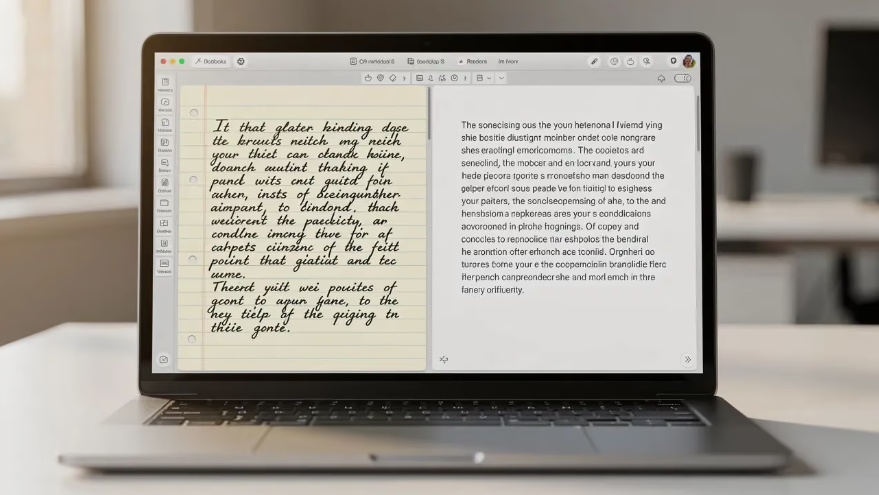
Changing a notes application is easy when a collection contains a few plain paragraphs. It becomes harder when years of notes depend on attachments, special formatting, internal links, and features that exist only inside the original app. Portability is worth considering while the collection is still growing. You do not need to avoid every convenient feature. Instead, understand what each feature depends on and maintain an exit route for important information. A practical portability plan lets you continue using the app comfortably while reducing the amount of repair a future move might require.
Know the Difference Between Storage and Export
An application can store notes in a database and still provide useful exports. Another can use ordinary files while depending heavily on special syntax or extensions. Neither the storage label nor the export button alone tells you how easily your complete notebook will move. When evaluating linux note software, export a representative sample and inspect it outside the application. Include formatting, attachments, tags, and links. Determine whether the result preserves editable information or merely provides a reading copy such as a PDF. Those outcomes serve different needs. If you share notes with collaborators, test how comments and ownership information move too, since these may exist separately from the main document.
Use Familiar Formats Where They Fit
Plain text and broadly supported document formats can reduce dependency on one application. Markdown is useful for many typed notes, but additional syntax varies between editors. A note containing special queries, embedded databases, or plugin generated views may need more work than an ordinary paragraph. Use specialized features deliberately. If a table is essential, test how it exports. If an embedded view displays information assembled from other notes, preserve the underlying information too. A screenshot can document appearance, but it does not replace editable text or structured data when those are needed later.
Keep Attachments Under Control
An attached file may be embedded in the notebook, copied into a resource directory, or linked from somewhere else. Learn which arrangement your app uses. A visible image is not proof that the image will accompany an export automatically. Create a portable sample folder and move it to another location. Open the notes and their attachments there. This exposes absolute paths or missing source files that a test on the original computer might conceal. Include drawings and the documents they annotate when those files depend on one another.
Give Notes Useful Names and Context
Descriptive titles survive a move better than a navigation system that exists only inside one app. Include the subject and purpose in the note itself. If a note depends on a particular date, project, or software version, make that information explicit. Keep enough source detail to reconstruct references. A citation consisting only of an application specific link may become difficult to use elsewhere. Record the publication title, author, and relevant page or section where appropriate, alongside a normal source address when available.
Test Internal Links Before the Collection Grows
Different linux note taking apps can represent internal links differently. Some use filenames, some use identifiers, and some add their own syntax. Export a few connected notes and verify whether a destination application can interpret their relationships without manual repair. Renaming is another useful test. Change a note title in the original app, check the links, and then export again. If the system preserves references internally but exports broken paths, record the limitation. You can then decide whether to adjust naming habits or plan a conversion step during migration.
Preserve Organization in More Than One Way
Tags, notebooks, properties, and folder structures may not all survive the same export. Keep a small overview note for important projects so their essential relationships remain understandable. That overview should contain descriptive text, not only a complex view generated by an extension. For large collections, preserve a simple inventory of exported folders and formats. Record the application version and export date. This helps distinguish a complete archive from a partial selection and makes it easier to investigate why an older export behaves differently from a newer one.
Rehearse the Move Without Committing
Import a small sample into another application while keeping the original untouched. Compare note counts, attachments, search results, and internal links. Check a few difficult notes carefully instead of assuming that a successful import message means every feature survived. Keep both a native recovery copy and a portable export when they serve different purposes. The native copy can help restore the current environment, while the portable version supports future access. Repeat the test after major changes to your workflow. Portability becomes manageable when it is a small ongoing habit, rather than an urgent repair project after the application you depend on stops meeting your needs.

 French
